Ceroma Google Slide Template: A Versatile Design Tool for Modern Presentations
Putting together a presentation that actually holds attention and looks professional is harder than it should be. You start with a blank slide, spend hours tweaking alignment, hunting for icons, and trying to make colors work together. By the time you are done, the design still feels off. That is exactly where Ceroma - Google Slide Template steps in. It is not just another set of slides. It is a complete, ready-to-use system built around clean lines, bold color options, and practical flexibility.
Whether you are pitching a new product, building a portfolio, or creating internal business decks, having a template that is both scalable and visually consistent saves time and improves the final output. Ceroma gives you that foundation without locking you into a rigid structure.
What Makes Ceroma Stand Out as a Presentation Tool
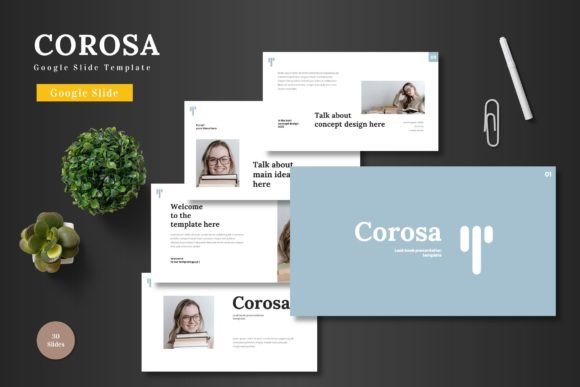
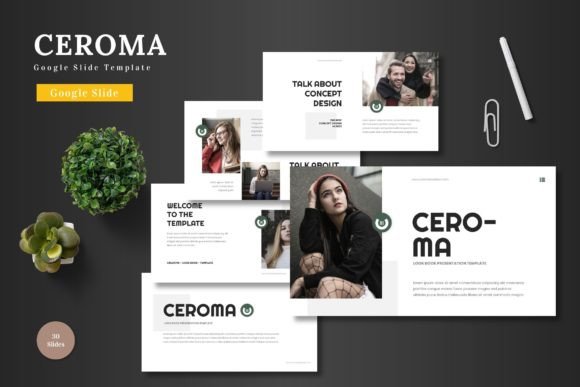
Ceroma is designed around the idea that a presentation should serve your content, not fight it. The template offers 150 total slides spread across 5 premade color variations. That means you get 30 slides per color scheme, including dedicated section break slides. The overall personality is clean, modern, and colorful without being overwhelming. It leans toward a professional but approachable aesthetic that works for business contexts as well as creative portfolios.
The template relies on master slides, which is a smart choice for anyone who needs to maintain consistency across a long deck. Every graphic, icon, and illustration is pixel-perfect and fully resizable. Because everything is built from native Google Slides shapes, you never need to open another software application to edit. You change colors, swap images, and adjust layouts directly inside Google Slides. There are even animated slides included, adding a layer of polish that makes your presentation feel dynamic when you present it to a client or audience.
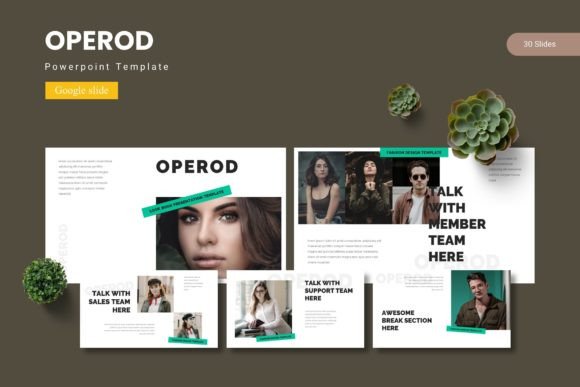
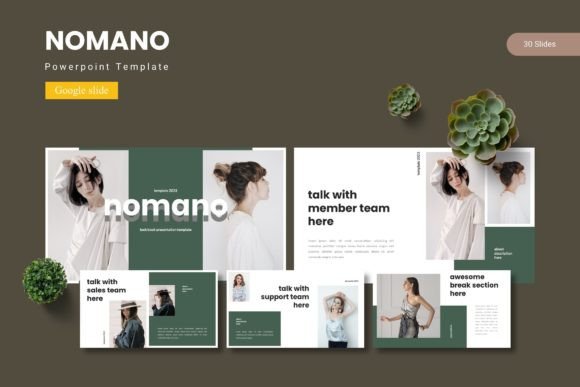
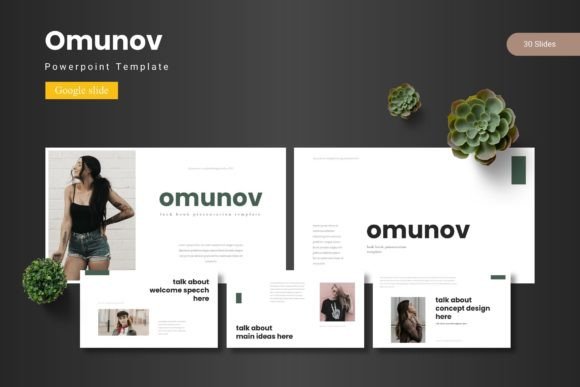
Handcrafted infographics give you visual ways to present data without resorting to boring bullet points. And the picture placeholders let you drag and drop your own images without breaking the layout. The template also includes gallery and portfolio slides, which makes it useful for designers and creatives who need to showcase work visually.
Where Ceroma Works Best Across Different Projects
The real strength of Ceroma is how naturally it fits into multiple types of work. Because it offers five distinct color variations, you can adapt the same base layout for different brands, campaigns, or personal projects without starting from scratch.
Business and Pitch Decks
If you are raising capital or presenting to stakeholders, your deck needs to communicate credibility fast. Ceroma's clean layouts and section breaks help you tell a story in a logical flow. The infographic slides let you present market data or growth metrics without cluttering the slide. And because everything is editable, you can drop in your actual numbers and brand colors quickly.
E-commerce and Product Promotion
For product launches or brand presentations, the gallery and portfolio slides are particularly useful. You can showcase product shots, highlight features, and create a visual narrative that supports your messaging. The animated slides also add a subtle layer of engagement when presenting in a meeting or at a conference.
Creative Portfolios and Personal Branding
Photographers, designers, and content creators often struggle to present their work in a way that feels as good as the work itself. Ceroma's design language keeps the focus on your visuals. The picture placeholders and clean typography let your images breathe, while the color variations let you match your personal brand identity. It is equally suitable for professional services, freelancers, and hobbyists who want to put together a polished presentation for a workshop or meetup.
Internal Communication and Reporting
Even inside a company, you need presentations that are clear and easy to update. Ceroma works well for quarterly reviews, strategy overviews, or team updates. The master slide structure means that if you need to change a color or a font across the entire deck, you do it once and it propagates through all slides. That kind of efficiency matters when you are on a deadline.
How Ceroma Influences Readability, Visual Hierarchy, and Brand Perception
A presentation template does more than just organize content. It shapes how your audience perceives your message and your brand. Ceroma's design approach prioritizes clarity. The layouts use strong visual hierarchy by combining bold headlines, clean body text areas, and intentional white space. Section break slides give your deck natural pauses, making it easier for viewers to follow the narrative arc of your presentation.
Consistency is one of the hardest things to maintain in a long deck, especially when multiple people are contributing slides. Because Ceroma is based on master slides, every slide inherits the same grid, color palette, and typography rules. This consistency builds professionalism and makes your brand look more established, even if you are a solo entrepreneur or a small team.
The color variations also play a role in brand recognition. You can choose a scheme that aligns with your existing visual identity, or use the flexibility to create decks for different clients without mixing up styles. For agencies or freelancers who manage multiple brands, that alone is a huge time saver.
Audience engagement improves when the visual experience feels deliberate. Viewers may not consciously notice good design, but they definitely notice when design is inconsistent or distracting. Ceroma stays out of the way. It supports your content with a subtle, polished structure that lets your message lead.
Practical Guidance for Choosing Ceroma and Evaluating Fit
Before you download any template, it helps to think about what you actually need. Here are a few practical considerations to help you decide if Ceroma fits your project:
- Project type: If you are building a pitch deck, client proposal, portfolio, or internal report, Ceroma is a strong match. If you need a highly themed or illustrative style for a specific event, you might want a more specialized template.
- Editing environment: Because Ceroma works entirely in Google Slides, you do not need any additional software. That makes collaboration easy if you are working with a remote team or sharing drafts with a client.
- Color requirements: With 5 premade color schemes, you have options. But if your brand uses very specific colors, you can customize them directly in Google Slides. The template is built to accommodate that.
- Slide count: 150 slides is a substantial library. You will likely not use all of them for a single deck, but having options lets you pick and choose layouts that match your content flow. You can also mix and match elements from different color variations if you want a more custom look.
- Animation needs: If you plan to present in person or via a live meeting, the animated slides add a nice touch. If you are exporting a static PDF, you can simply skip or remove the animated slides.
When evaluating a template, also think about the font pairing and how typography supports your message. Ceroma's design works well with both serif and sans serif fonts, depending on the tone you want to set. For a modern, clean look, a geometric sans serif font pairs well. If you want a more editorial or premium feel, a serif font for headlines with a sans serif for body text creates a nice contrast.
One thing I always recommend is to test a few slide layouts with your actual content before committing to a full deck. Drop in a headline, a paragraph, and an image. See if the proportions still feel balanced. With Ceroma, the master slide structure and picture placeholders make this process quick, so you can assess fit within minutes rather than hours.
License, File Structure, and What You Get
The main file includes 5 separate PPTX files (one for each color scheme) in widescreen format. There is also a Readme file with font and photo information. All elements are editable using native Google Slides shapes, so you never need to install additional software or plugins. The commercial license covers most business and personal use cases, which means you can use the template for client work, internal decks, or even products you sell.
Having the 5 color variations as separate files keeps things organized. You open the file that matches the mood or brand you are working with, and you are ready to go. If you need to switch colors later, the master slides let you make global changes quickly.
The handcrafted infographics are a standout feature for anyone who presents data regularly. Instead of default charts that feel impersonal, you get visually engaging graphics that you can customize with your own numbers. This makes your data more memorable and helps your audience grasp key points faster.
Final Thoughts on Using Ceroma for Real Projects
Ceroma - Google Slide Template is a practical, well-built design asset for anyone who wants to accelerate their presentation workflow without sacrificing quality. It handles the heavy lifting of layout, color, and consistency, leaving you free to focus on your content. Whether you are a founder pitching your startup, a marketer presenting a campaign, or a designer building a portfolio, the template gives you a strong starting point.
The clarity and versatility of the design mean it will serve you across multiple projects over time. And because it is editable without additional software, your investment keeps paying off every time you open it to build a new deck. If you are looking for a template that balances professional appeal with creative flexibility, Ceroma is worth a close look.