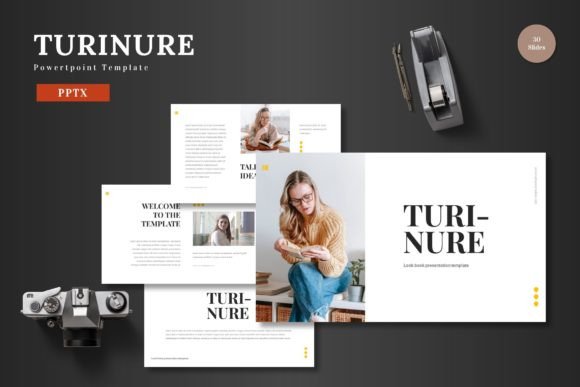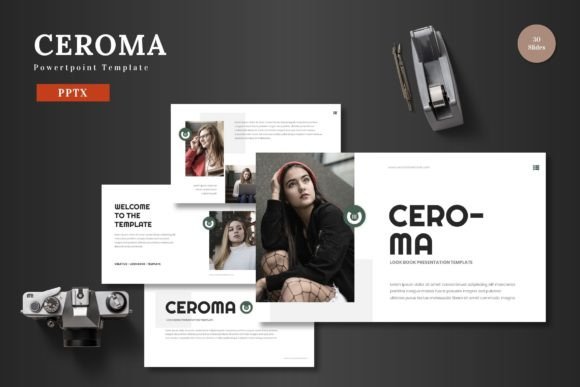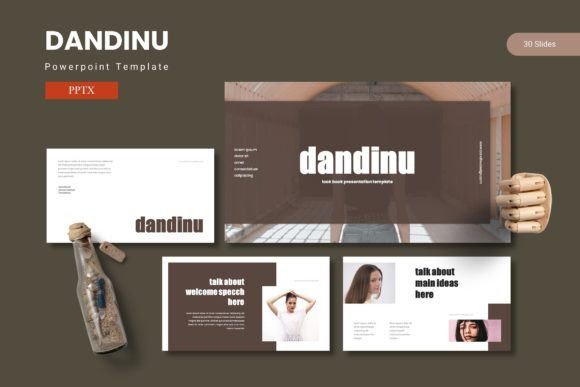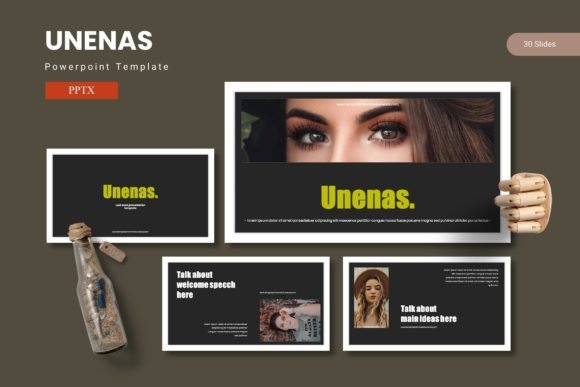
Derosa PowerPoint Template: Flexible Slides for Any Presenter
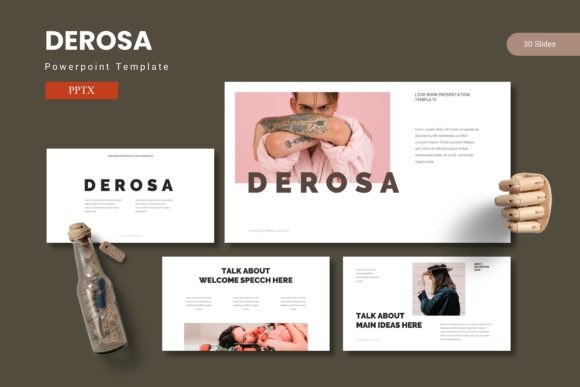
Presenting ideas clearly matters whether you are pitching a product, teaching a class, or sharing a creative portfolio. The Derosa PowerPoint Template offers a structured yet adaptable way to build presentations that feel polished without requiring hours of design work. With 150 total slides spread across five premade color schemes and 30 slides per template, this set provides a solid foundation for many different communication needs. Understanding what makes it useful for your specific situation can help you decide if it fits your current project or workflow.
What Derosa Offers in a Nutshell
At its core, the Derosa template is a collection of slide layouts designed to combine text, data visuals, and graphics in a cohesive way. It includes section break slides, handcrafted infographics, picture placeholders for drag-and-drop images, and gallery or portfolio layouts. The master slides approach means you can change colors or adjust elements across the entire deck without editing each slide individually. Every graphic is resizable and editable, so you are not locked into a rigid structure. The package contains five PPTX files (one for each color variation), along with a readme file and font and photo information.
For anyone who has spent time wrestling with mismatched fonts, awkward image placement, or slides that just look off, this kind of structure removes a lot of guesswork. You focus on your message, not on aligning shapes pixel by pixel.
Why Different Users Care About This Template
The value of a presentation template depends heavily on your experience level, the type of content you present, and the audience you address. A freelancer pitching branding services needs different things than a teacher explaining a scientific process. Similarly, a small business owner presenting quarterly results cares about speed and clarity, while a creative professional might prioritize visual impact and uniqueness.
The Derosa template addresses several of these priorities at once, which is why it attracts a broad range of users. The premade color schemes help maintain consistency, while the editable graphics let you customize elements without starting from zero. The 150 slides cover enough ground that you can build a full presentation without repeating the same layout over and over.
Beginners and Occasional Presenters
If you rarely build presentations or feel uncertain about design principles, a template like this speeds things up considerably. You do not need to decide where to place an image or how to size a chart. The picture placeholders let you drag and drop photos, and the infographic slides come ready to fill with your data. For a first-time user, the readme file and font information reduce confusion about setup.
A beginner might use Derosa to create a simple project update or a personal portfolio. The five color options allow for a quick clean look without needing to understand color theory. The layout structure ensures that even a straightforward presentation feels intentional and professional.
Professionals and Experienced Users
For regular presenters who know their way around PowerPoint, the value shifts toward efficiency and customization. The master slides mean you can apply a consistent color scheme across all slides in seconds. The resizable graphics let you adapt icons, illustrations, and data visuals to match brand guidelines or specific messaging needs.
An experienced user might take the Derosa template and modify it heavily, swapping out infographic styles, adjusting section break slides for narrative flow, or combining elements from different color schemes. The pixel-perfect illustrations provide a clean starting point, but the editable nature means advanced users are not limited to what comes out of the box. The gallery and portfolio slides also work well for case studies, project showcases, or visual reports where you want to highlight multiple pieces of work without cluttering the layout.
Creators, Marketers, and Entrepreneurs
People who regularly pitch ideas, present to clients, or produce content for social media need a template that looks good but also supports storytelling. The section break slides help structure a narrative arc, making it easier to move from problem to solution or from data to insight. The handcrafted infographics can present survey results, comparisons, or timelines without looking generic.
A marketer might use Derosa to build a campaign presentation that includes data on reach, engagement, and conversion, followed by visual case studies using the portfolio slides. An entrepreneur pitching to investors could use the clean layouts to present business metrics, market analysis, and growth projections in a way that feels authoritative but not cluttered. The five color options also allow for tailoring the deck to brand colors or client preferences without reworking every slide.
Educators and Trainers
Teaching requires clarity above all else. The Derosa template provides structure for breaking down complex topics into digestible sections. The infographic slides can illustrate processes, comparisons, or cause-and-effect relationships. The picture placeholders let you include relevant images, diagrams, or screenshots without worrying about alignment.
An educator might use the template to build a lecture series where each unit has a consistent visual language. The gallery slides could display student work or visual examples. The variety of slide types keeps learners engaged because the layout changes regularly, but the overall design remains coherent. The color variations also allow for differentiating modules or topics visually.
Small Business Owners and Freelancers
When you are running a business or working independently, time is money. Spending hours formatting slides takes away from actual work. The Derosa template cuts down that time significantly. The 30 slides per color scheme give you enough variety to present a full business plan, service menu, or client proposal without repeating designs.
A small business owner might use the template to create a sales deck that evolves over time, swapping out new case studies or updated metrics as the business grows. A freelancer could build a portfolio presentation that showcases past projects, client testimonials, and service packages, all within a cohesive visual identity. The fact that every graphic is editable means you can update the template as your brand evolves, extending its usefulness over multiple years.
Different Priorities and How Derosa Addresses Them
Not everyone evaluates a presentation template the same way. Some users care most about speed and ease of use. Others prioritize visual quality or flexibility. The Derosa template balances these different priorities, but understanding which matters most to you helps in deciding if it is a good fit.
Ease of Use and Speed
If you need a presentation ready in an hour, the master slides and picture placeholders are your friends. You select a color scheme, drop in your content, and the template handles the rest. The drag-and-drop image functionality means you do not need to crop or resize manually. The readme file answers common setup questions, reducing friction for new users.
Flexibility and Customization
If you prefer to tweak and personalize, the editable illustrations and resizable graphics give you room to adapt. You can change colors globally, swap out icons, or adjust infographic layouts to match your specific data. The 150 slides provide enough raw material to build something unique without starting from scratch. For users who want to reuse the template across multiple projects, the five color variations offer options without having to repurchase.
Visual Quality and Professionalism
Presentations that look good build trust with an audience. The pixel-perfect illustrations and handcrafted infographics in Derosa convey care and attention. The section break slides add a polished transition that keeps viewers engaged. For anyone presenting to clients, investors, or a public audience, visual quality matters, and this template delivers a consistent professional look.
Long-Term Usefulness
A template you only use once has limited value. Derosa works for ongoing use because the layouts handle different types of content, from data-heavy reports to image-focused portfolios. As your needs evolve, you can repurpose the same template for new projects, adjusting the color scheme or slide order as needed. The editable nature means it ages well alongside your brand or presentation style.
Practical Examples for Different Reader Types
To make this more concrete, consider a few scenarios:
A freelance graphic designer builds a portfolio presentation using the gallery and portfolio slides. They customize the color scheme to match their brand, add screenshots of past work, and use the infographic slides to present client satisfaction data. The result is a cohesive deck that feels custom-made but took only a couple of hours to assemble.
A nonprofit coordinator needs to present annual impact data to donors. They use the data-heavy infographic slides to show program outcomes, budgets, and growth over time. The section break slides mark transitions between topics, and the picture placeholders feature photos from the field. The presentation feels professional without requiring a designer.
A college instructor builds a semester-long set of lectures using the same template. They assign a different color scheme to each unit, helping students recognize topic shifts visually. The consistent layout reduces cognitive load, allowing students to focus on content rather than slide changes.
A startup founder prepares a pitch deck for investors. They use the clean, minimal layouts to present problem, solution, market size, and team slides. The infographic slides display traction metrics and user growth. The template provides enough visual credibility that the founder can focus on delivery instead of slide design.
How to Evaluate If Derosa Matches Your Goals
Before choosing any template, consider what you need most from a presentation. If your main concern is speed and you want a ready-to-use design that looks professional without manual adjustments, the Derosa template offers a strong solution with its master slides, premade colors, and drag-and-drop image placeholders.
If you value flexibility and plan to reuse the template across many projects, the five color variations and editable graphics give you room to adapt. The 150 slides provide enough depth to cover different topics and formats.
If you prioritize visual impact and need to impress an audience, the pixel-perfect illustrations and handcrafted infographics support a polished aesthetic. The section break slides and gallery layouts add variety that keeps viewers engaged.
If you are a beginner or someone who only presents occasionally, the structured layouts and included readme file reduce the learning curve. You do not need design experience to produce a clean, coherent presentation.
The Derosa PowerPoint Template sits at a useful intersection of flexibility and structure. It accommodates users who want quick results as well as those who want room to customize. Whether you are preparing a one-time pitch or building a reusable presentation system, the combination of slide quantity, color options, and editable assets makes it a versatile tool worth considering for your next project.