Turinure Powerpoint Template: Versatile Slides for Any Project
Creating a compelling presentation often takes more time than you expect. Between aligning shapes, choosing colors, and finding the right images, the process can drain your creative energy. Turinure Powerpoint Template aims to solve that by giving you a ready‑made foundation that looks polished from the start. Whether you’re preparing a pitch for investors, launching a product catalog, or building a portfolio for your freelance work, this template offers a clean, scalable, and colorful structure that adapts to your content.
What Makes Turinure a Smart Choice?
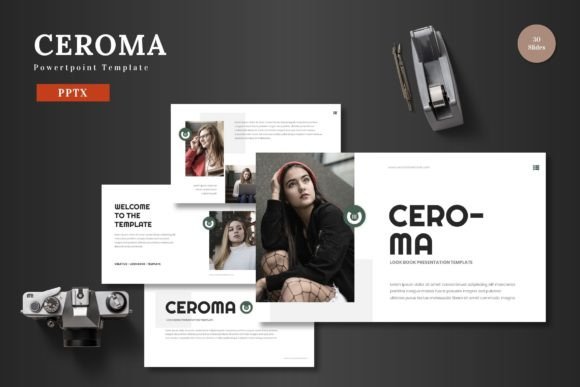
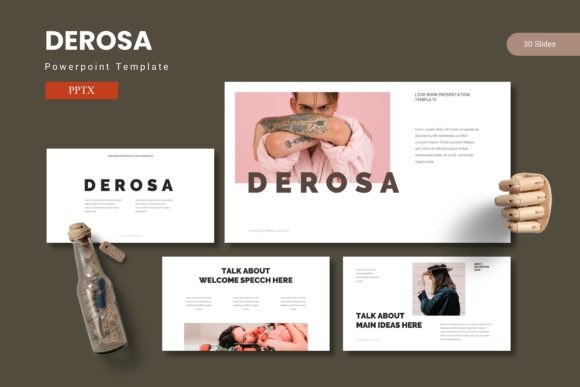
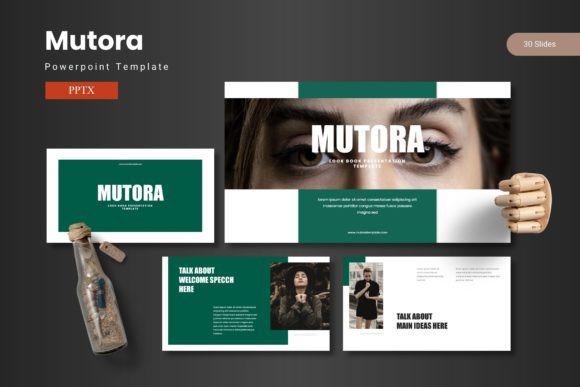
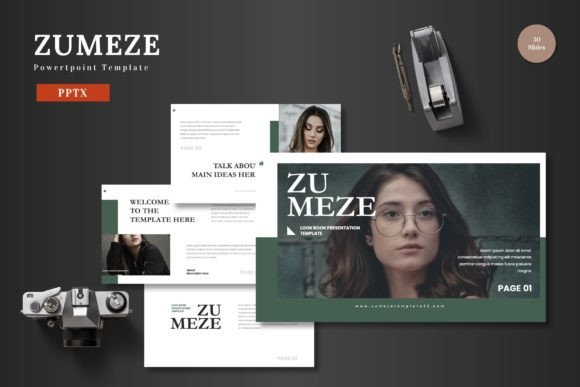
Turinure is built for anyone who needs professional slides without starting from scratch. It’s designed with a multipurpose ethos – business meetings, e‑commerce presentations, personal projects, or educational content all fit naturally inside its frames. The template comes with 150 total slides arranged in 5 premade color schemes, so you can pick a palette that matches your brand or mood without fiddling with color codes.
Every element inside Turinure is editable directly from PowerPoint shapes. You don’t need Photoshop, Illustrator, or any other software to adjust icons, move illustrations, or change text. This is a huge advantage if you’re new to design or simply want to work fast. The slides also include picture placeholders with a drag‑and‑drop functionality – drop your image, and it fits perfectly into the layout. For anyone who has ever struggled with resizing and cropping, this alone saves a lot of frustration.
The template is built on master slides, which means consistent design across all pages. When you modify a master slide (like changing the background color or font style), the entire presentation updates automatically. This consistency is what separates a thoughtful presentation from a thrown‑together one. Plus, there’s an animated slide included to give your deck a subtle, professional motion when you present.
Practical Uses for Every Occasion
Because Turinure is so flexible, you can apply it to many real‑world situations. Here are a few examples where the template really shines:
- Business pitch decks: If you’re raising funds or introducing your startup to partners, a clean, confident design matters. Turinure’s section break slides help separate your problem, solution, market, and financials clearly. The handcrafted infographics let you present data without cluttering the slide.
- E‑commerce product launches: Showcase your products with dedicated gallery and portfolio slides. The picture placeholders make it easy to display high‑quality product shots, while the color variations let you match your brand identity.
- Educational workshops and training: Teachers and trainers can use the template to create lesson modules, course outlines, or case studies. The scalable graphics work well on large screens, and the clean layouts help students follow along without visual noise.
- Personal portfolios: Freelancers, photographers, or hobbyists can present their work in a professional light. The gallery slides support multiple images, and the animated slide adds a touch of dynamism when you show your portfolio in person or online.
- Internal company reports: Monthly updates, project reviews, or strategy summaries benefit from a template that looks serious but not boring. The 5 color schemes allow you to use different colors for different departments or projects, keeping your presentations organized.
No matter the context, Turinure reduces the gap between a rough idea and a finished presentation. You focus on your message, while the template handles the visual structure.
Key Features That Simplify Your Workflow
Let’s walk through some of the specific features that make Turinure stand out for beginners and experienced users alike.
150 Slides Across 5 Color Schemes
Each of the 5 color schemes includes 30 slides. That covers everything from title slides, content layouts, section breaks, infographic pages, quote slides, and closing screens. Having 30 slides per theme means you rarely need to build a custom layout from scratch. The color variations are premade, so you can switch between a corporate blue, a vibrant red, a calm green, or other palettes instantly.
Handcrafted Infographics and Pixel‑Perfect Illustrations
The infographics are built directly in PowerPoint, using shapes and icons. They are fully editable – you can change colors, sizes, and text. The illustrations are pixel‑perfect and scalable, which means they stay sharp on high‑resolution screens. This is especially important if you present on a large monitor or projector.
Drag‑and‑Drop Picture Placeholders
Every slide that expects an image comes with a placeholder. You simply drag your photo from a folder and drop it into the frame. The placeholder already has the correct size and mask, so your image fits without distortion. This removes the guesswork often associated with aligning images.
Editable from PowerPoint Shapes
All graphics, icons, and elements are made from PowerPoint shapes, not embedded pictures. This means you can resize them, recolor them, or move them without losing quality. You don’t need to open an external editor. For those who are new to design, this is a gentle way to learn how to customize slides.
Animated Slide Included
Among the 150 slides, one is designed with animation. You can use it as an intro or a visual highlight during your presentation. The animation is subtle enough not to distract but effective enough to capture attention.
Things to Keep in Mind Before You Start
Turinure is easy to use, but a few considerations will help you get the most out of it. First, the template comes as 5 separate PPTX files (one for each color scheme). Choose the color that fits your project from the start – you can still tweak colors later, but it saves time to begin with a close match. The package also includes a “Readme First” file with font and photo information. Make sure to install the recommended fonts if they aren’t already on your system, so your slides look exactly as intended.
While the template is fully editable, take care when modifying master slides if you’re not familiar with PowerPoint. Changing a master slide updates every slide that uses that layout, which can be powerful but also risky if you accidentally alter something you didn’t intend. It’s a good idea to duplicate the original file before making major changes, especially if you’re experimenting.
Because Turinure includes many slides, you might not use all of them. That’s normal – pick the layouts that best suit your content and delete the rest. Having extra slides doesn’t hurt; you can always hide them instead of deleting if you want to reuse later. Also, the widescreen format (16:9) is standard for modern screens and projectors, so your presentations will fill the display without black bars.
Finally, remember that the template is a structure, not a replacement for your content. The best presentations combine a clean design with clear, concise messages. Use the infographics to illustrate data, but keep text minimal. The animated slide can be a great opener, but don’t overuse motion across all slides – it can become distracting.
Turinure Powerpoint Template is a solid tool for anyone who wants professional slides without hiring a designer or spending hours on formatting. With its 150 editable slides, 5 color variations, and intuitive picture placeholders, it covers a wide range of needs – from business pitches to personal portfolios. Once you download the file, you’re just a few clicks away from a presentation that looks thoughtful, cohesive, and ready to share. Cheers to presenting your ideas with confidence.