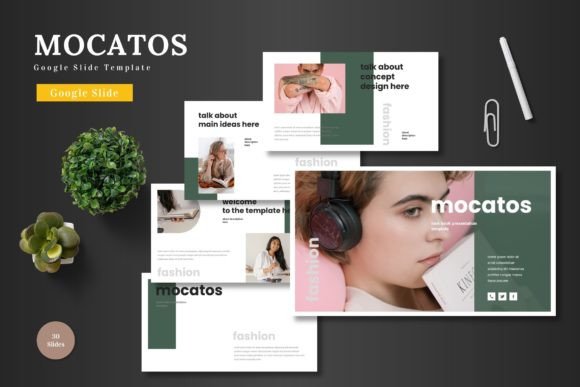
Mocatos Google Slide Template for Professional Presentations
When you need a presentation that works across industries and skill levels, the Mocatos - Google Slide Template offers a practical balance of design and flexibility. Built entirely for Google Slides, it keeps editing simple while giving you enough visual variety to suit business pitches, product showcases, educational content, or personal portfolios. Instead of wrestling with multiple software tools, you can stay inside Google Slides from start to finish and still produce polished, animated slides.
What Makes Mocatos Stand Out as a Google Slides Template
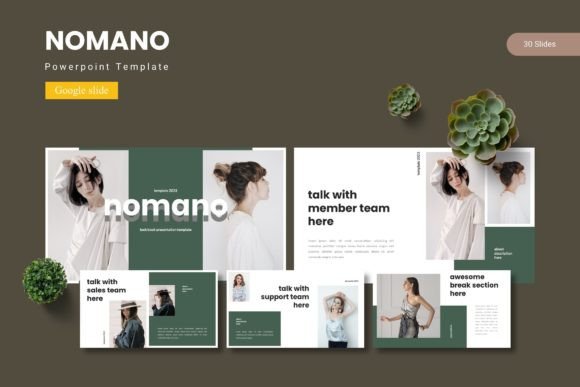
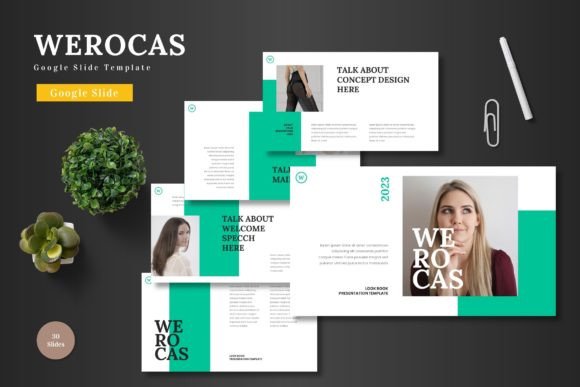
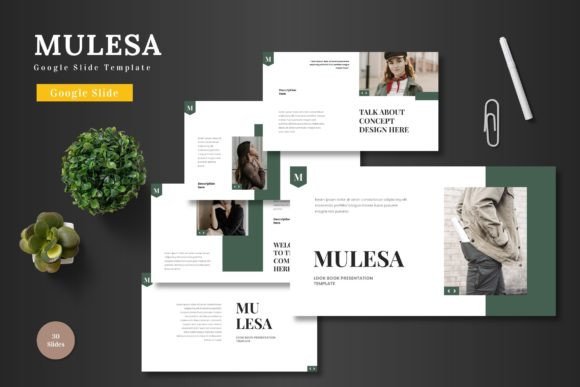
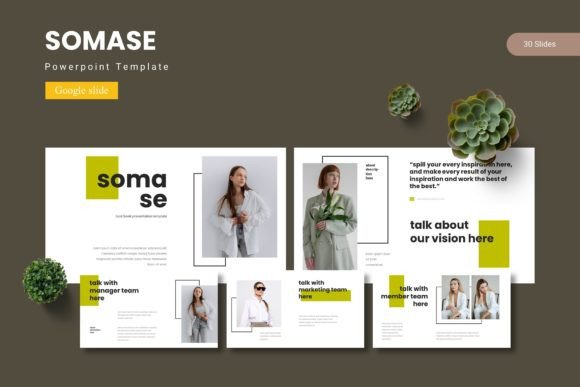
Mocatos brings together 150 total slides organized into five premade color schemes, with 30 slides per color variation. That means you are not stuck adapting one look to every topic. If you are pitching a tech startup, you might prefer the bold, modern palette. For a creative portfolio or lifestyle brand, a softer color set may fit better. Each scheme includes section break slides, infographics, gallery layouts, and portfolio pages, so you rarely need to build layouts from scratch.
All graphic elements are resizable and editable. You can adjust shapes, icons, and illustrations directly in Google Slides without touching external design apps. Picture placeholders use a simple drag-and-drop workflow, letting you swap images in seconds. This is especially helpful if you are working under a tight deadline or handing off slides to a colleague who is not design-focused.
Handcrafted Infographics and Pixel-Perfect Illustrations
The template includes handcrafted infographic elements that are based on Master Slides. Rather than generic clip art, these infographics feel intentional and consistent with the overall design. Whether you need to display survey results, timeline milestones, or comparative data, the built-in visuals save you from hunting for third-party assets. The pixel-perfect illustrations also remain sharp on large screens and projectors, which matters when you present in a conference room or upload slides to a client portal.
Practical Applications Across Professional and Personal Projects
One reason the Mocatos - Google Slide Template works well for adults aged 20 to 50 is its range of use cases. You might be a marketer crafting a quarterly campaign deck, a freelancer pitching services to potential clients, or an educator preparing lecture modules. The template adapts because it does not force a single tone. The same color set that looks corporate for a board meeting can feel approachable for a community workshop.
- Business pitch decks: Use the structured slide layouts to outline your value proposition, market analysis, and financial projections. Section breaks keep each topic distinct.
- E-commerce product promotion: Replace placeholders with product images, highlight features with infographics, and use gallery slides to showcase variations or lifestyle shots.
- Educational and training content: The clean layouts help learners focus on key points without visual clutter. Animated slides add a natural pace to the flow of information.
- Personal branding and portfolios: Freelancers and creatives can present their work using the portfolio and gallery slides, maintaining a professional appearance without over-designing.
Real-World Example: A Small Business Launch
Imagine you are launching a subscription box service. You need a presentation for investors, a separate overview for your fulfillment team, and a visual mood board for your website designer. With Mocatos, you can use one color scheme for all three decks, maintaining brand consistency while tailoring the content. The drag-and-drop image placeholders let you swap product photos quickly, and the animated transitions help the investor deck feel dynamic without looking gimmicky.
Efficiency and Ease of Use for Non-Designers
Not everyone has the time or software skills to build a presentation layer by layer. Mocatos removes that friction. Because everything is editable within Google Slides, you do not need Photoshop, Illustrator, or any paid design tool. You just open the template, choose your color variation, and start replacing placeholder text and images.
This is especially valuable for teams. If multiple people collaborate on a deck, they each work in the same Google Slides environment. There is no confusion about file versions or missing fonts. The included "Read Me First" folder provides font and photo information, so you can match your brand fonts or find complementary imagery if needed.
Five Color Variations in a Single File
The file includes five PPTX items from Google Slides, each with a distinct color scheme. You get 30 slides per scheme, totaling 150 unique layouts. This range lets you test different moods before committing to one. If your brand colors change mid-project, you can switch to a different palette without rebuilding your slides. The master slide approach ensures that changes to fonts, colors, or backgrounds apply uniformly across the entire deck, saving you from manual adjustments.
How Mocatos Supports Engagement and Branding
Presentations that feel cohesive and visually intentional keep your audience engaged. Mocatos helps you achieve that through consistent design elements. The infographics, icons, and typography work as a system rather than a collection of unrelated pieces. When you add your content, the template does the heavy lifting of layout and proportion.
For branding, you can customize the color schemes to match your logo or brand guidelines. Because the template uses master slides, updating the primary color instantly reflects across all slides. This consistency builds trust with your audience, especially in client-facing or investor scenarios.
Practical Considerations When Using Mocatos
Before you start building your deck, here are a few observations based on real use:
- Plan your content first. With 150 slides available, it is tempting to use every layout. Instead, pick the slides that match your narrative arc. A concise deck often has more impact.
- Check font availability. The template uses fonts that are commonly available or easily added to Google Slides. Review the font list in the Read Me First folder to avoid surprises when presenting on another device.
- Test animations beforehand. The animated slides are a nice touch, but confirm they play correctly on your target device or platform, especially if you share the presentation as a PDF or export it to video.
- Use the drag-drop placeholders wisely. High-resolution images look great, but oversized files can slow down your Google Slides performance. Optimize your images before placing them.
Adapting for Different Outputs
While Mocatos is built for Google Slides, you can also export your finished presentation as a PDF, PowerPoint file, or video. This flexibility matters if you need to share slides with someone who does not use Google Workspace. The template retains its structure and animations well in export, though complex transitions may simplify in non-native formats.
Why Mocatos Fits a Wide Range of Users
Whether you are a seasoned entrepreneur or someone making their first pitch deck, the Mocatos - Google Slide Template removes common barriers to creating a professional-looking presentation. It does not require design experience, expensive software, or hours of formatting. The 150 slides cover enough ground that you can assemble a complete deck in one sitting, focusing your energy on the message rather than the layout.
For educators and trainers, the template offers clarity. For marketers and business owners, it provides speed and consistency. For freelancers and creatives, it gives visual credibility without a heavy time investment. That range of usefulness is what makes Mocatos a practical addition to your presentation workflow.
Final Recommendations for Getting the Most Out of Mocatos
Start by opening the Google Slide file and browsing all five color schemes before editing. Decide which palette aligns with your project's tone. Next, outline your slide structure using the section breaks as guides. Replace placeholder images with your own visuals, and adjust text to fit your narrative. If you need custom infographics, duplicate existing slides and modify the diagrams rather than building new ones from scratch.
If you collaborate with a team, share the template early so everyone works from the same base. Use the master slide feature to lock brand elements like logos or contact details. This ensures that no matter who edits which slide, the brand identity stays intact.
Ultimately, the value of a template lies in how much time it saves you while still delivering a quality outcome. Mocatos achieves that by combining generous slide counts, multiple color variations, and intuitive editing within Google Slides. Whether your next presentation is for a boardroom, a classroom, or an online audience, it gives you a solid foundation to build on.